Your passwords. Your space.
Keep logins, passwords, and notes in your personal vault. Find what you need with search and categories.
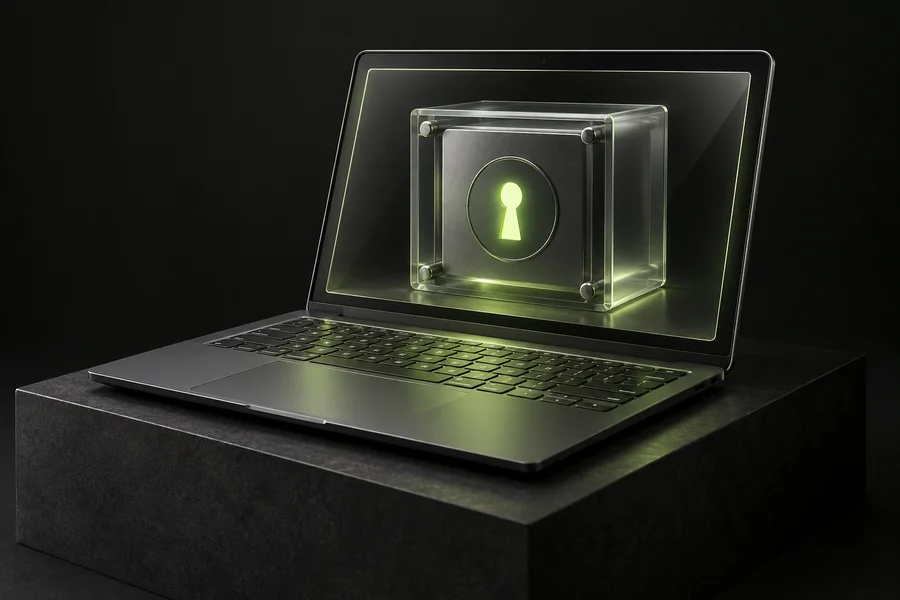
ON YOUR COMPUTER
LOCAL PASSWORD MANAGER
All your important logins, together.Stored locally on your computer. Simple, convenient, and free.
No subscription for personal use
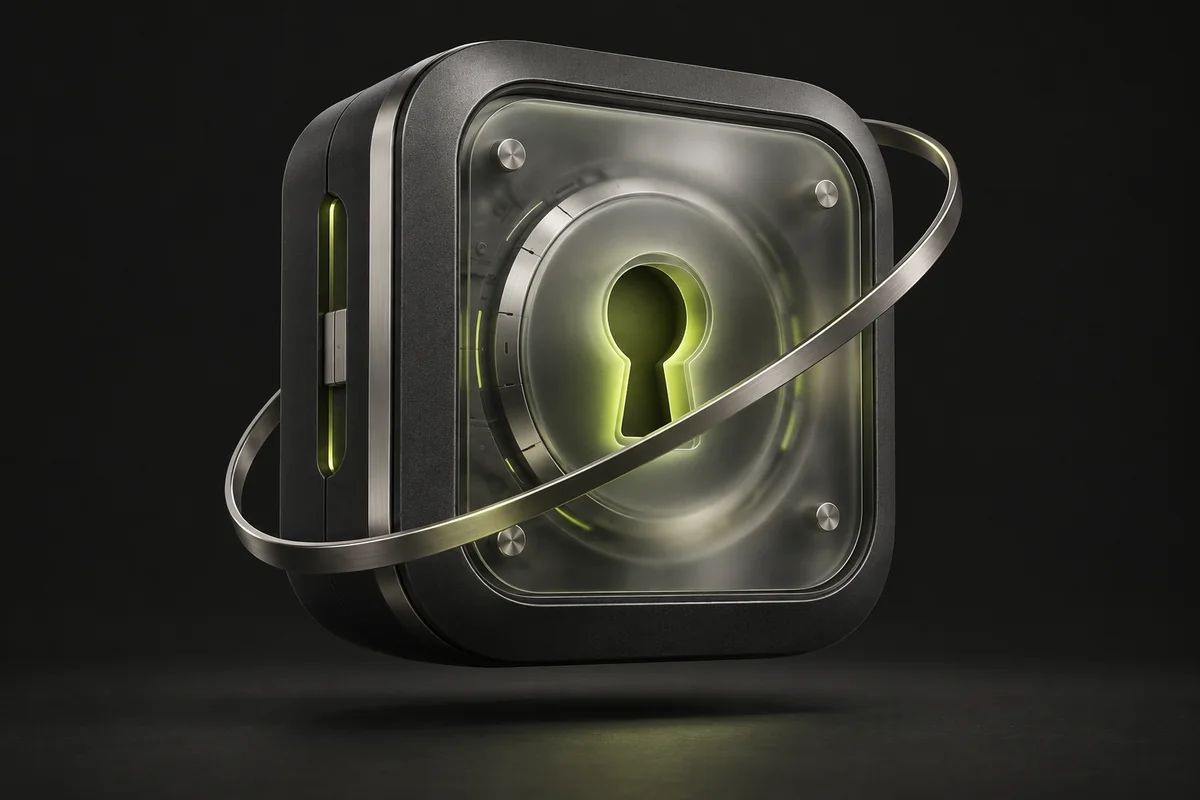 YOUR PERSONAL VAULT
LESS ROUTINE. MORE ORDER.
Email, work, your favourite services. LostPass keeps the logins you need within reach.
Keep logins, passwords, and notes in your personal vault. Find what you need with search and categories.
The Chrome extension fills in your chosen login and password while the desktop app is running and your vault is unlocked.
Autofill with LostPass
Move entries with export, QR, or a transfer code. You choose what to share.
Export and transfer entries
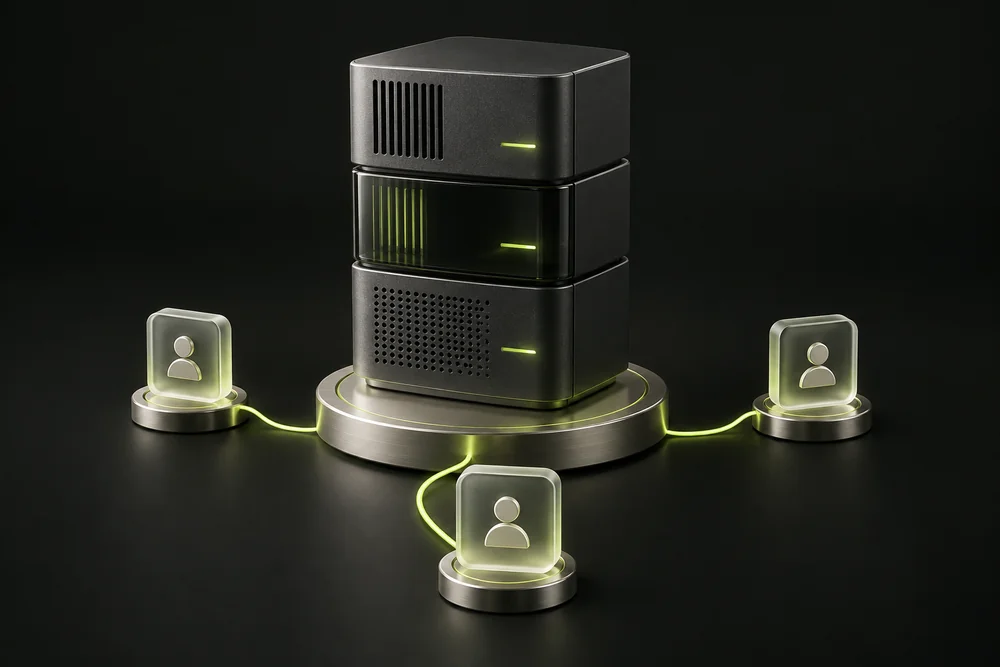
LOSTPASS COMMERCE
Shared logins in your company’s infrastructure. Manage users and your vault on your own server.
SECURITY YOU CAN UNDERSTAND
Know where your passwords live, what protects access, and when a server is involved.
Personal mode stores entries locally. Open your vault and use your passwords without an internet connection.
AES-256-GCM protects your database contents. A PIN restricts access to the vault in the app.
Code-based transfer uses a server transport. Share codes only with the intended recipient: they may grant access to entries.
A FEW THINGS TO KNOW
The essentials about LostPass, answered.
Yes. LostPass Personal is free, with no key purchase or renewal. Commerce is a separate product for companies with individually agreed deployment terms.
LostPass supports Windows and Linux. The Windows version is being prepared for Microsoft Store publication. A .deb package is available for Debian and Ubuntu (amd64). See the download page for the current status.
In personal mode, the database lives on your computer and works offline. Code-based transfers use a server. In Commerce, the shared database lives on your team’s server.
Use export, a QR code, or a transfer code in the app. These files and codes may contain sensitive data, so store them carefully and share them only with the intended recipient.
The extension connects to the LostPass desktop app after your approval. The app must be running and the vault unlocked. You choose which entry to fill into the page.
For Windows and Linux