Features
Explore LostPass features: offline vault, PIN, export, QR transfer, license verification, and fast search in a focused UI.
Local vault
Your vault lives on your device. The server is for buying/verifying the key and code-based transfer.
Transfer entries
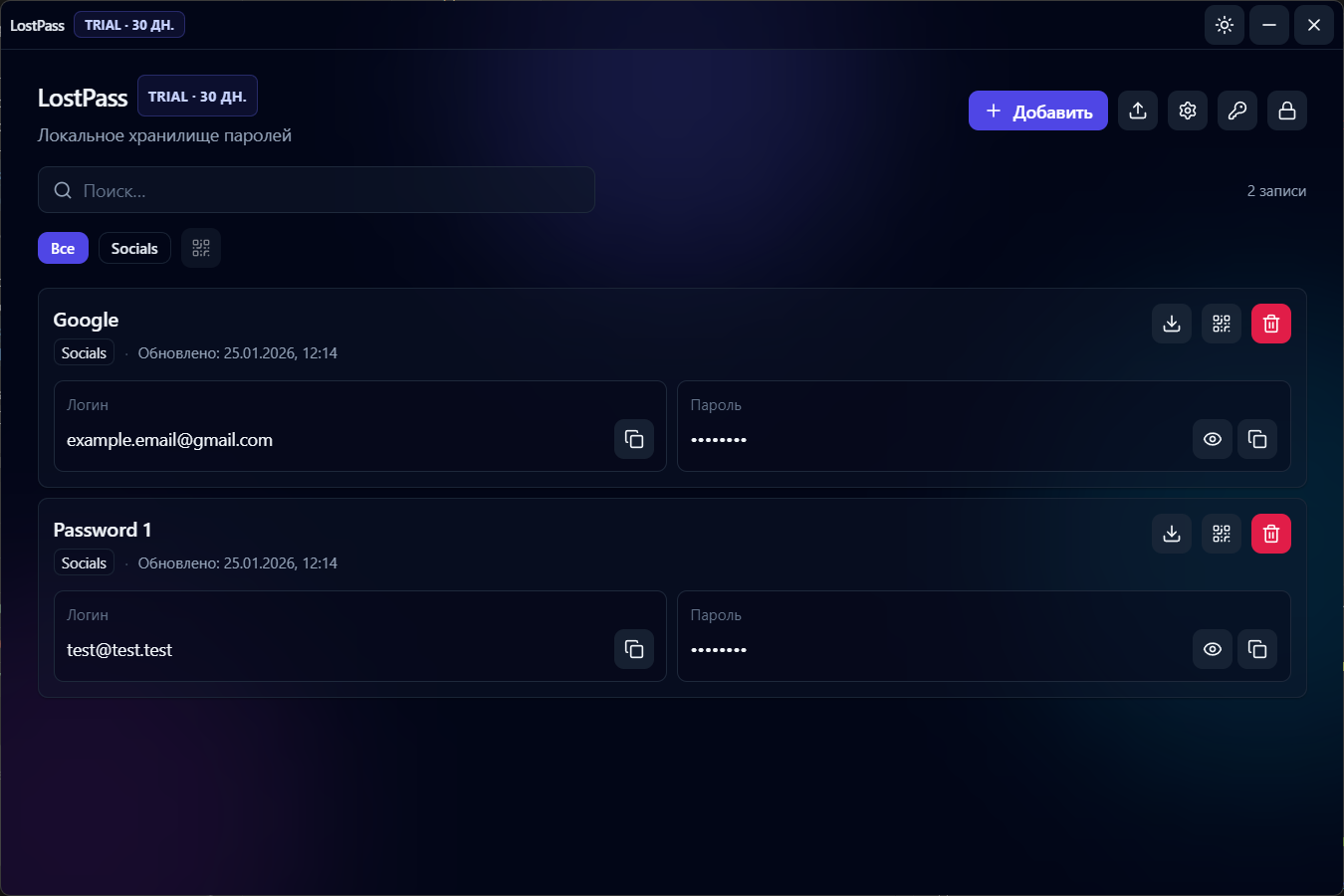
Export entries or show a QR code to move data to another device.
License
30‑day trial. After card payment, activate the key in the app.
Privacy by default
-
Passwords and entries are stored locally in the app.
-
License verification sends only the key string.
-
QR codes are convenient for transfer but may contain a password.
Get started
-
1
Download and install the app.
-
2
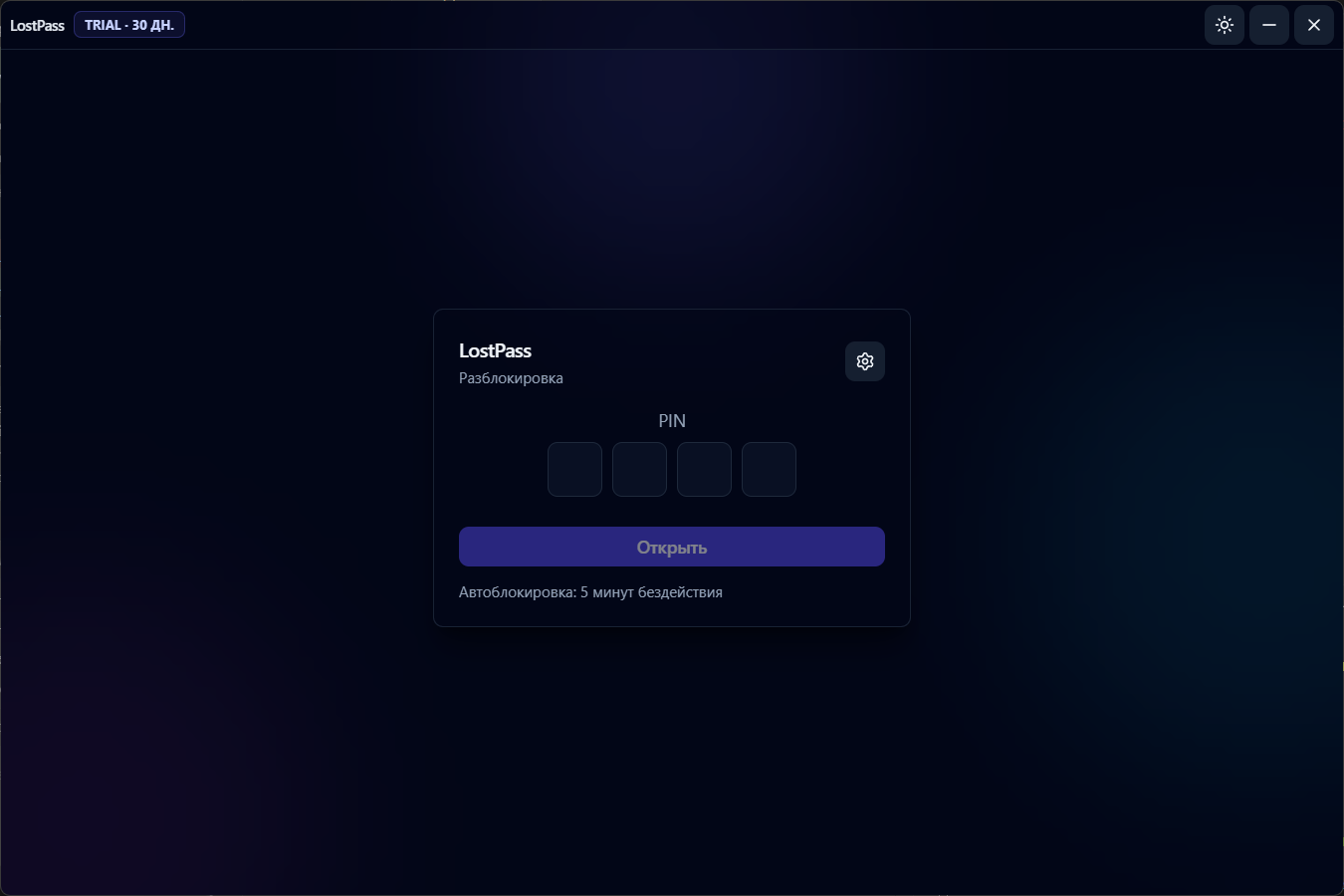
Set a PIN to protect access.
-
3
Add your first entry and use export/QR when needed.
Screenshots
LostPass UI in action: main screens and daily workflow.